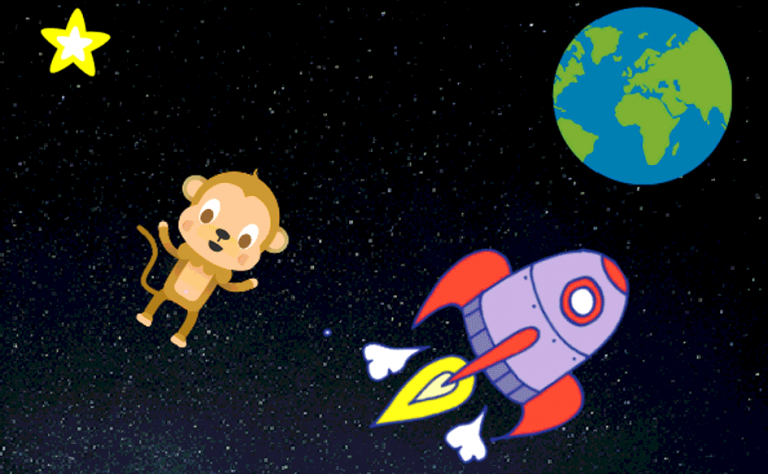
Lost in space
Fly a spaceship and dodge the asteroids. An introduction to sprites, movement and collisions.
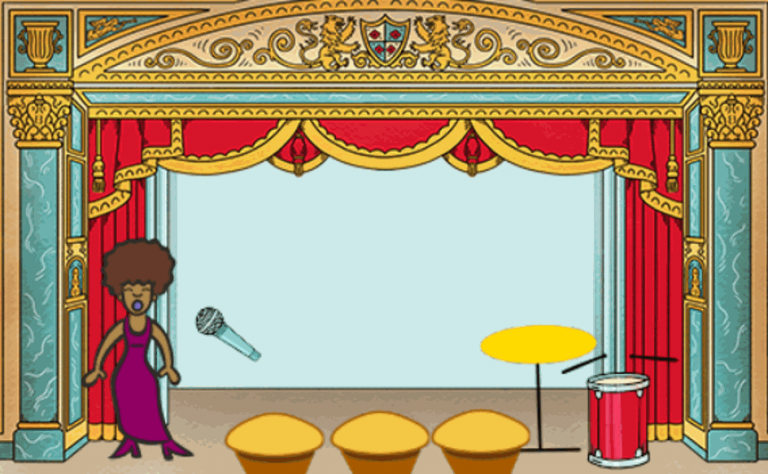
Rock band
Create your own musical instruments to play on screen. Sounds, events and interactions.
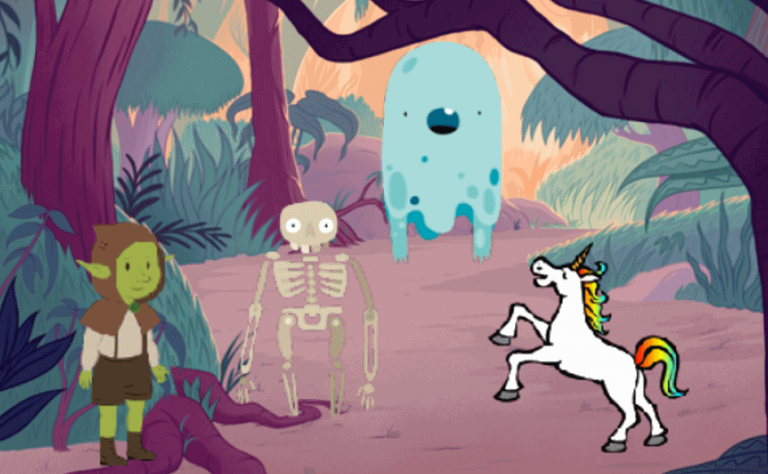
Ghostbusters
A shooting game: catch the ghosts with your cursor. Variables, score and timer.
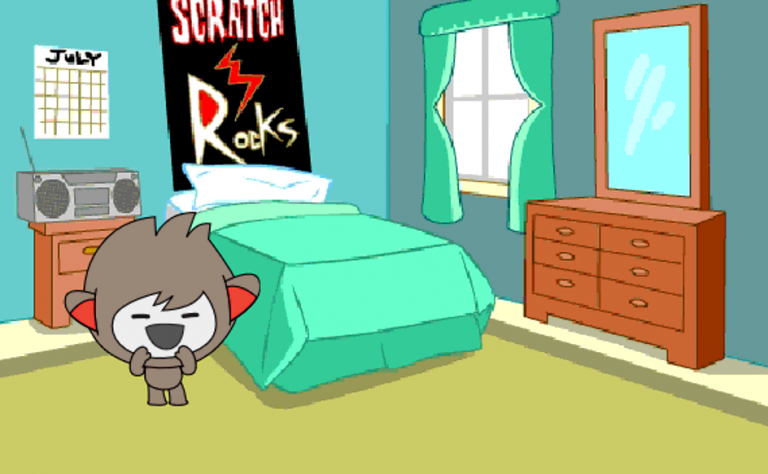
ChatBot
Program a robot that asks questions and answers them. Text input, variables and conditions.
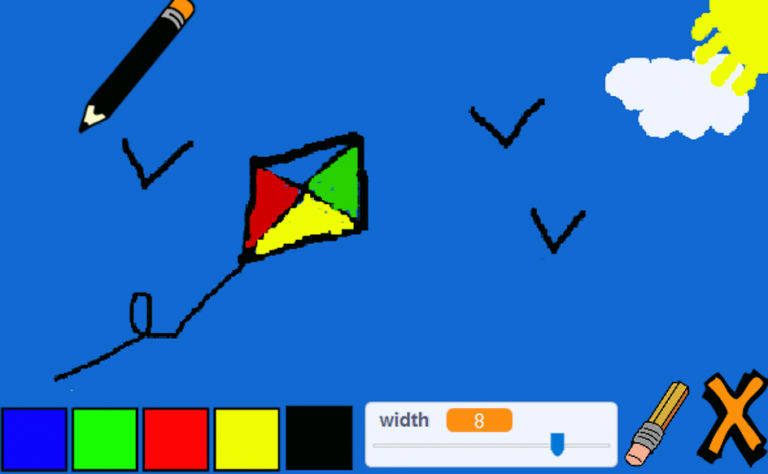
Paint box
Build a drawing program with different brushes and colours. Pen, events and clones.
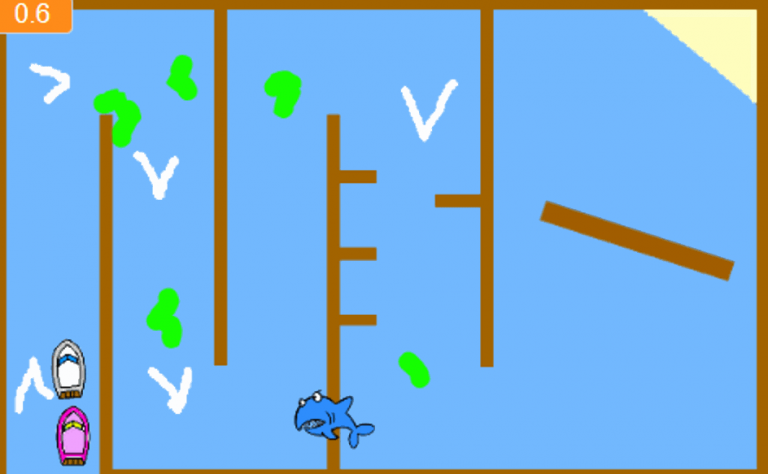
Boat race
Steer a boat to the finish without touching the edges. Colour detection and keyboard controls.
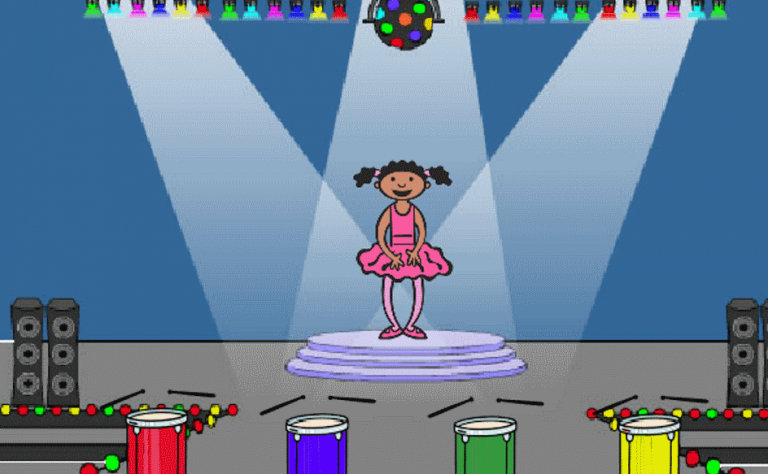
Memory
Repeat a sequence of colours that keeps getting longer. Lists, loops and game memory.
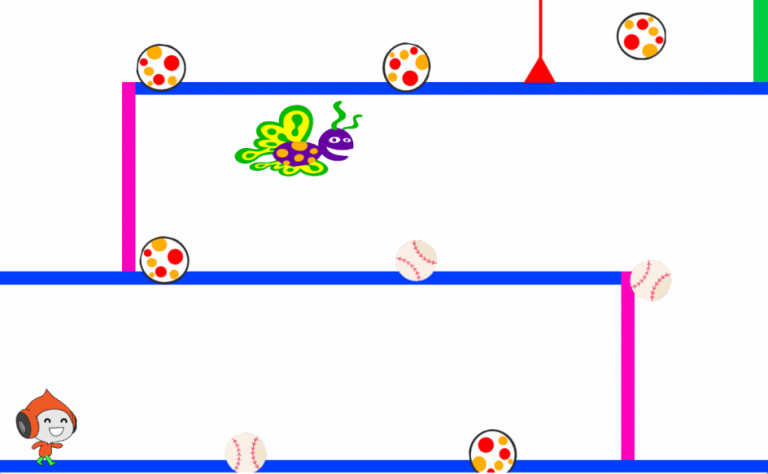
Dodgeball
Dodge the balls for as long as you can. Movement, clones and collision detection.
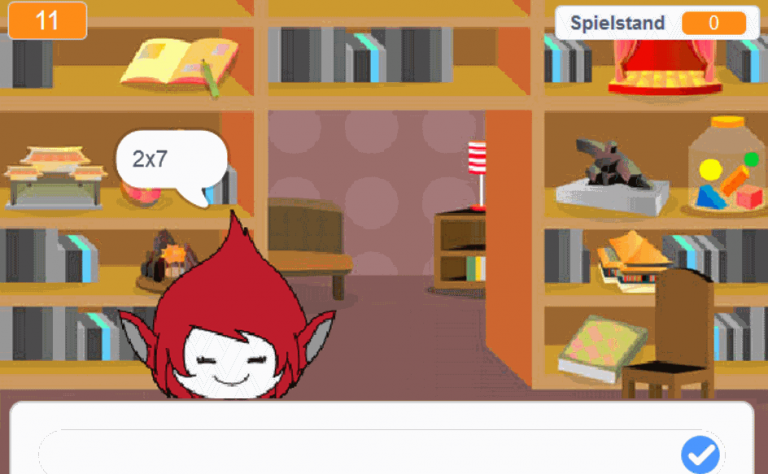
Brain game
A timed mental arithmetic quiz. Operations, variables and score.
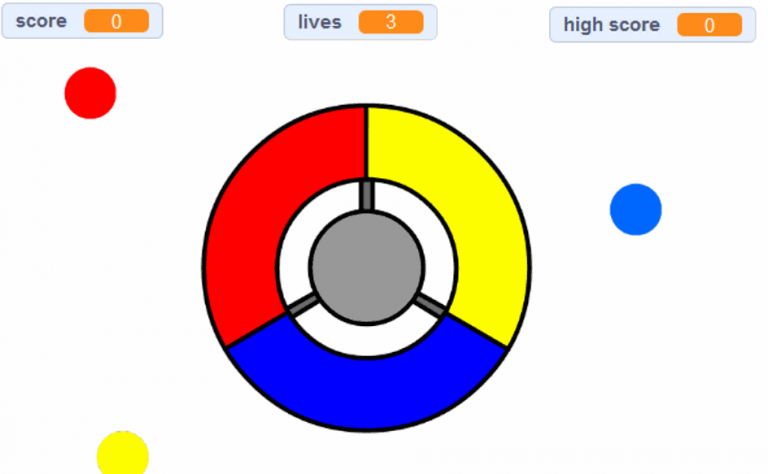
Catch the dots
Catch the falling dots before they hit the ground. Clones, speed and score.
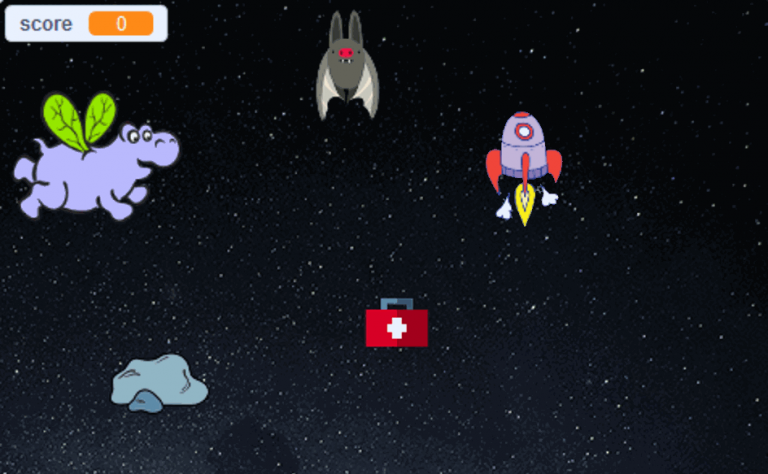
Clone wars
Explore the power of clones to create visual effects. Cloning and graphic effects.
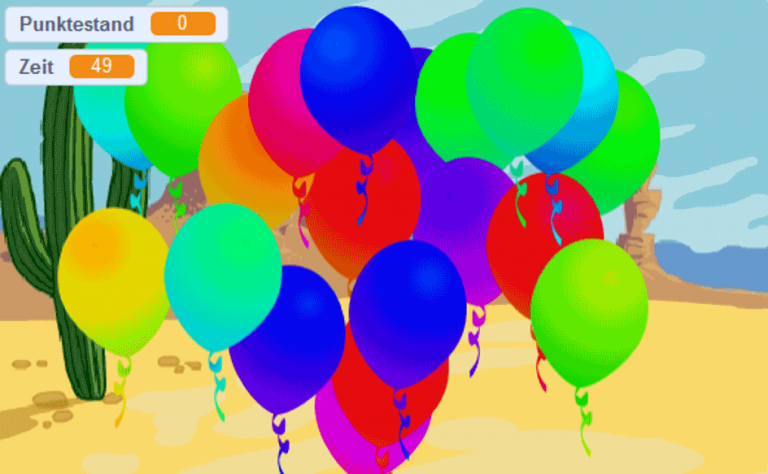
Balloons
Pop as many balloons as you can. Clones, randomness and score.